Free
$0
30 photons a month, 50 more to start
3 looks a month
Bluehour is a photo editor with an AI colourist. It looks at your photo and edits with the same sliders you use, saying why as it goes. Take a slider whenever you like: it lets go, and keeps to your moves.
Editing by hand is free. Your photos stay on your device.
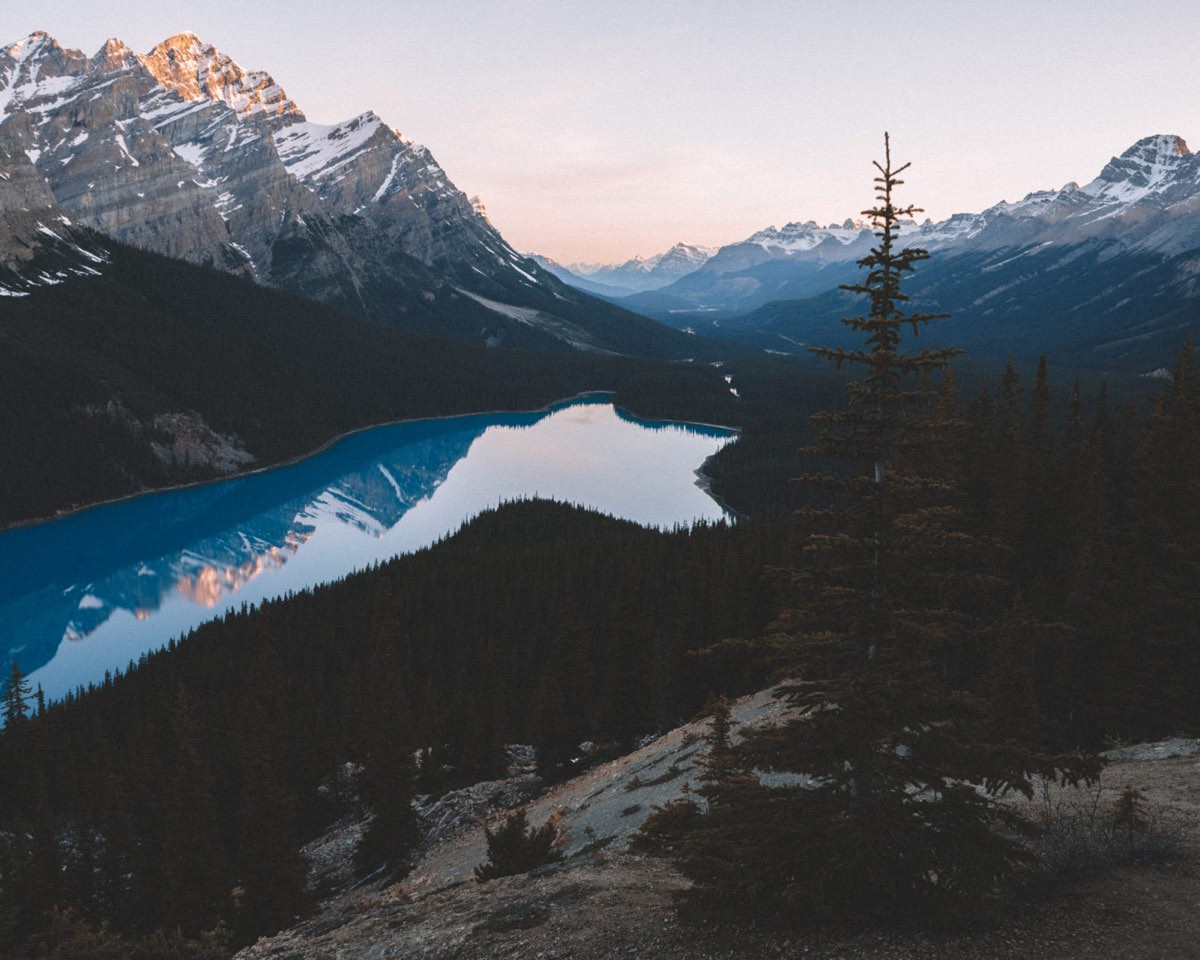
A preset puts the same numbers on every photo. Bluehour looks first, then picks the numbers for that photo's light.
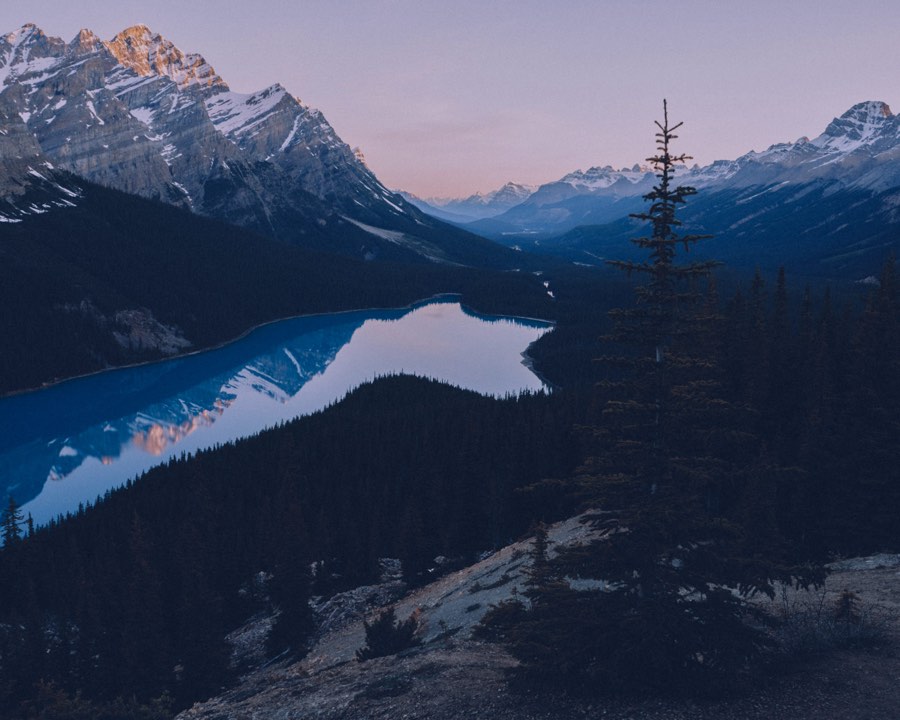
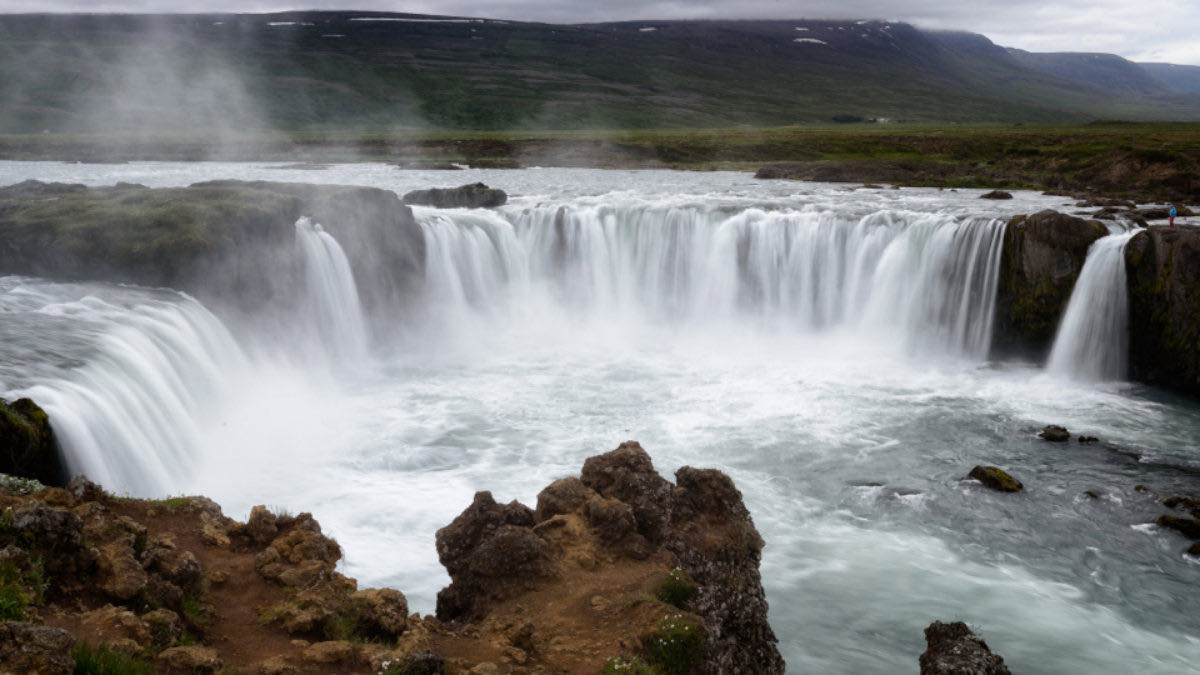
The photo the preset was made on. Of course it fits.Cooler and darker, blue shadows, the last warm light kept on the peaks.
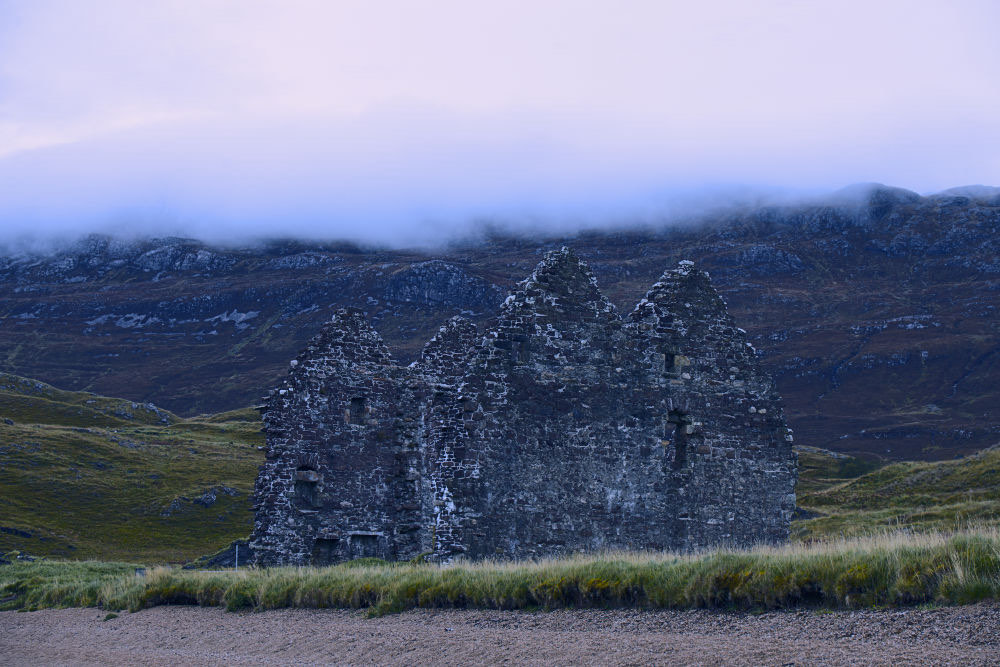
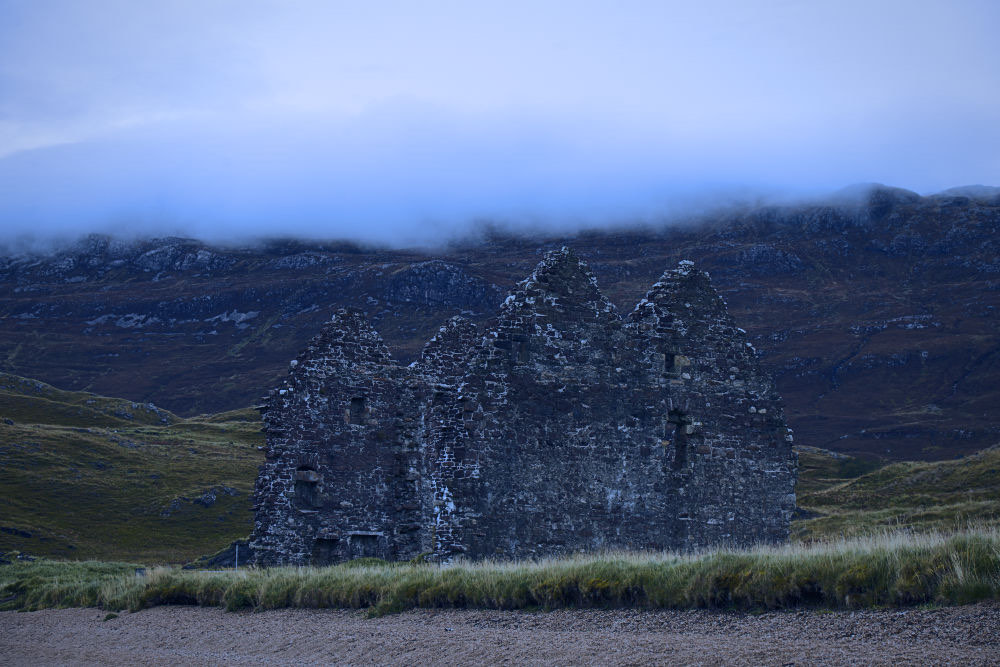
Close, but the fog stays a flat grey-white.Darker and cooler, blue in the fog too. The ruin and hills stay readable.
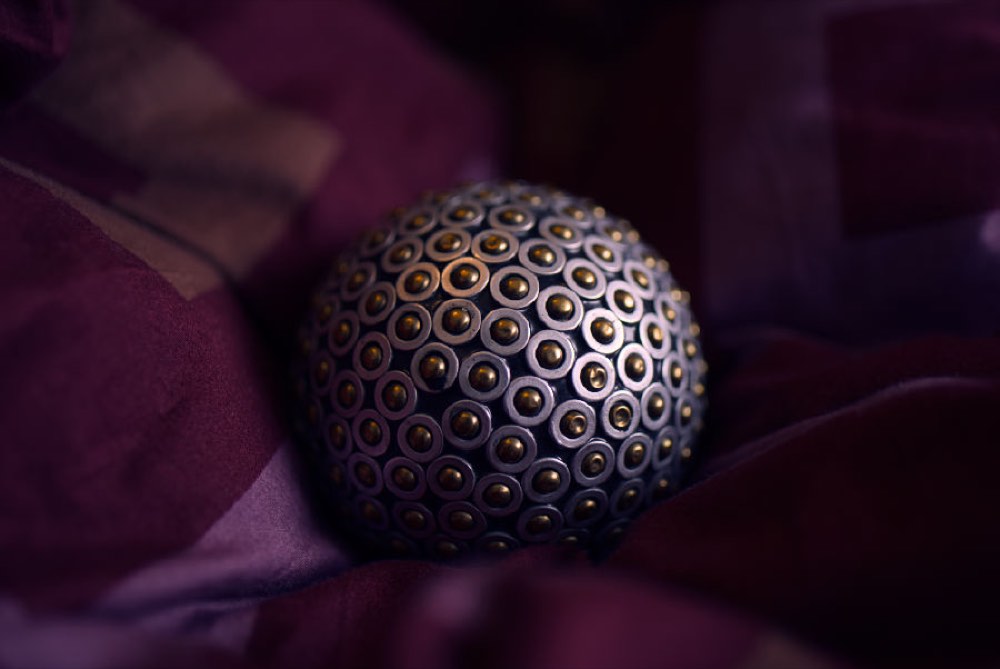
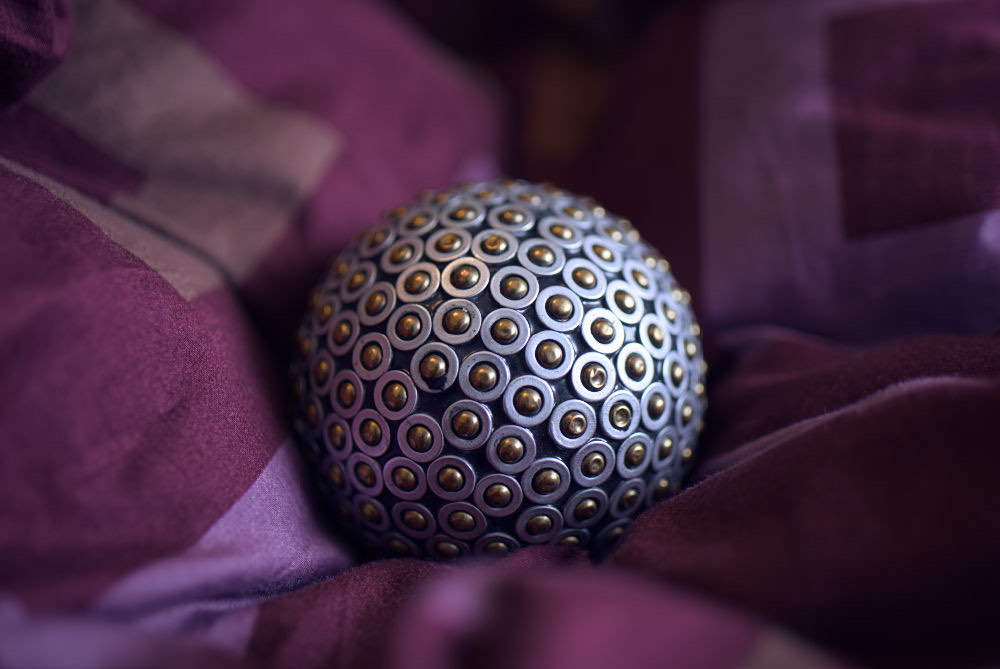
Already dark, now darker: the cloth turns to mud.It's a dark room, so it brightened before cooling. The cloth goes violet-blue; the brass keeps a little warmth.
Real runs: the same request, given to Bluehour on each photo. Its values and reasons, unedited.
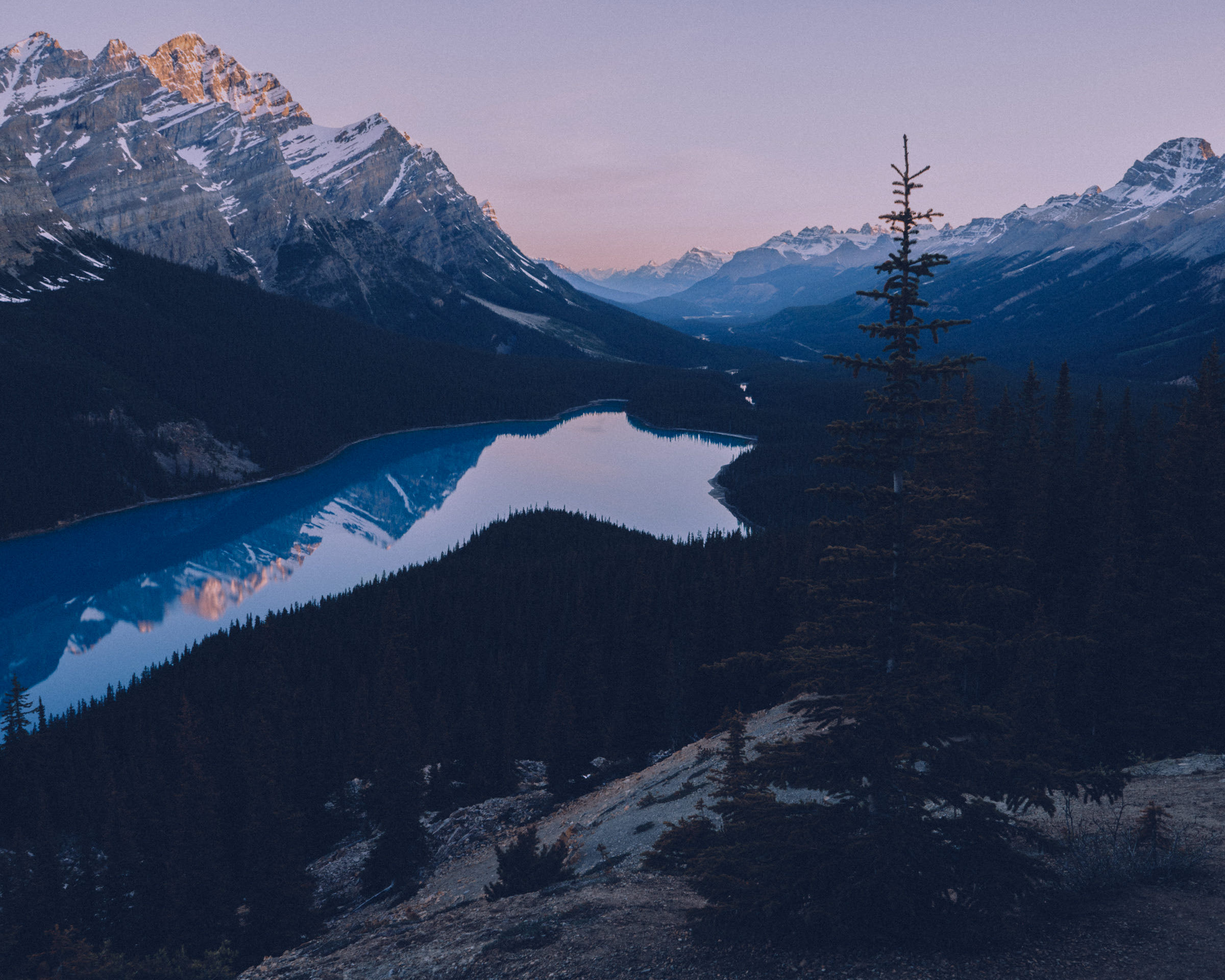
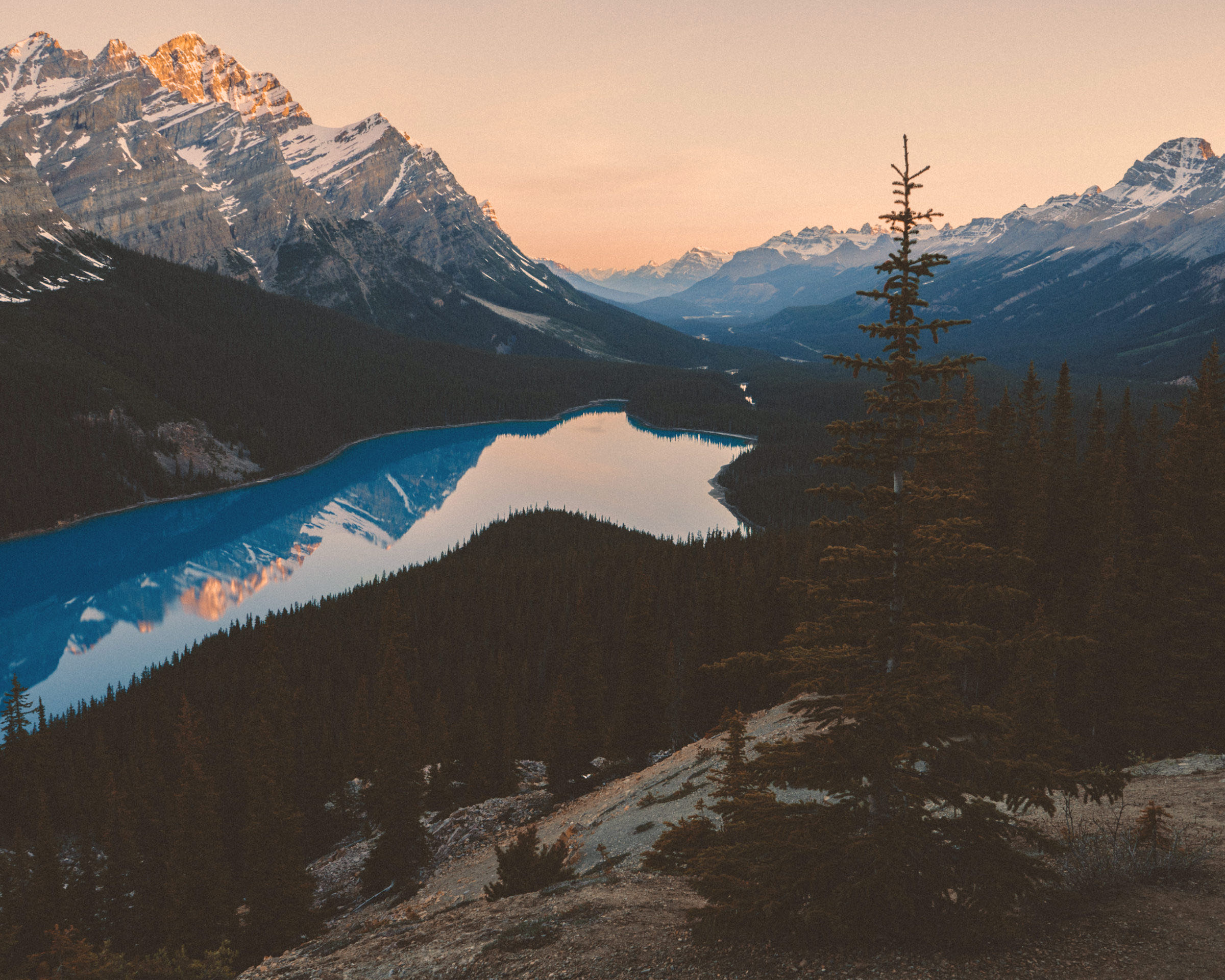
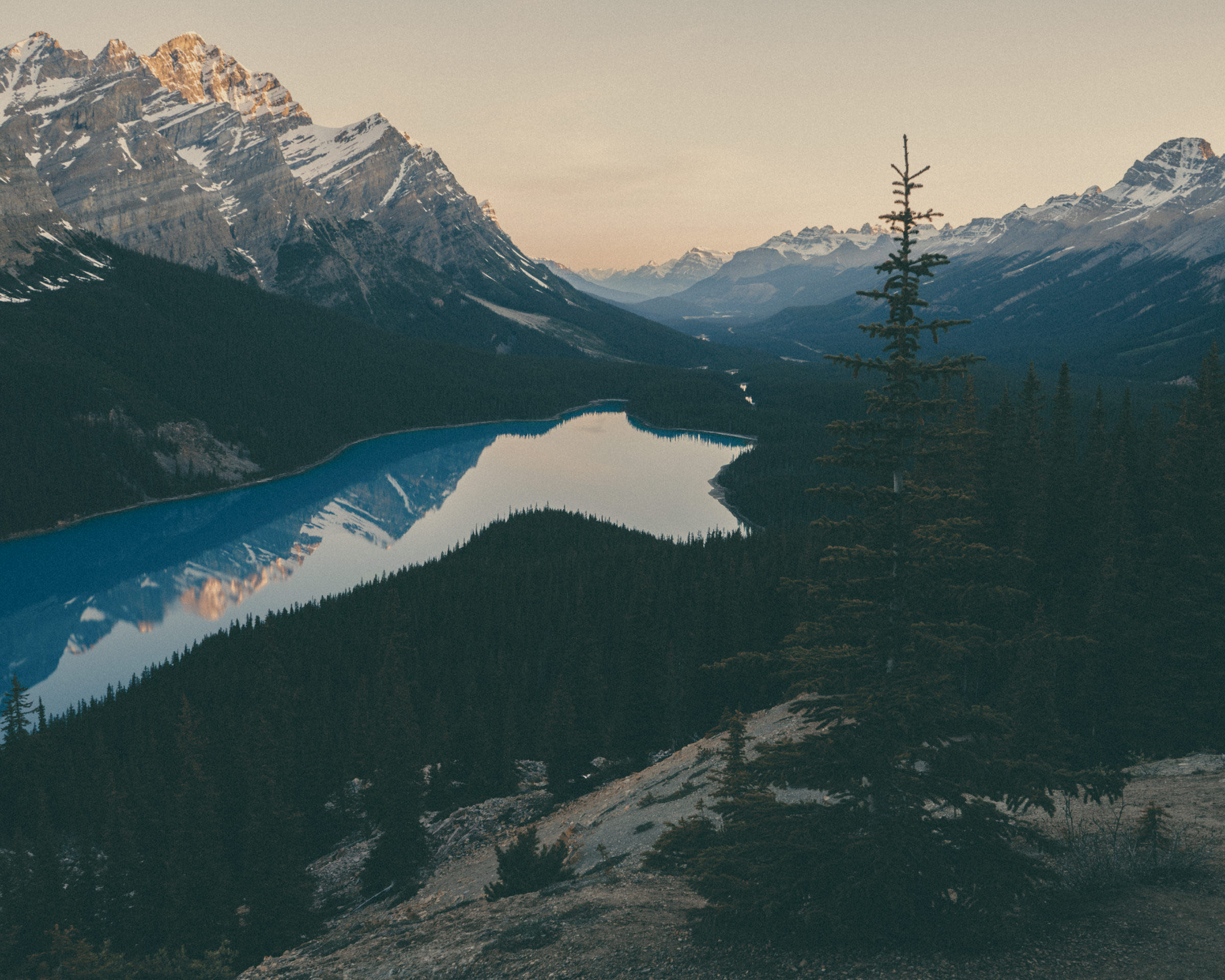
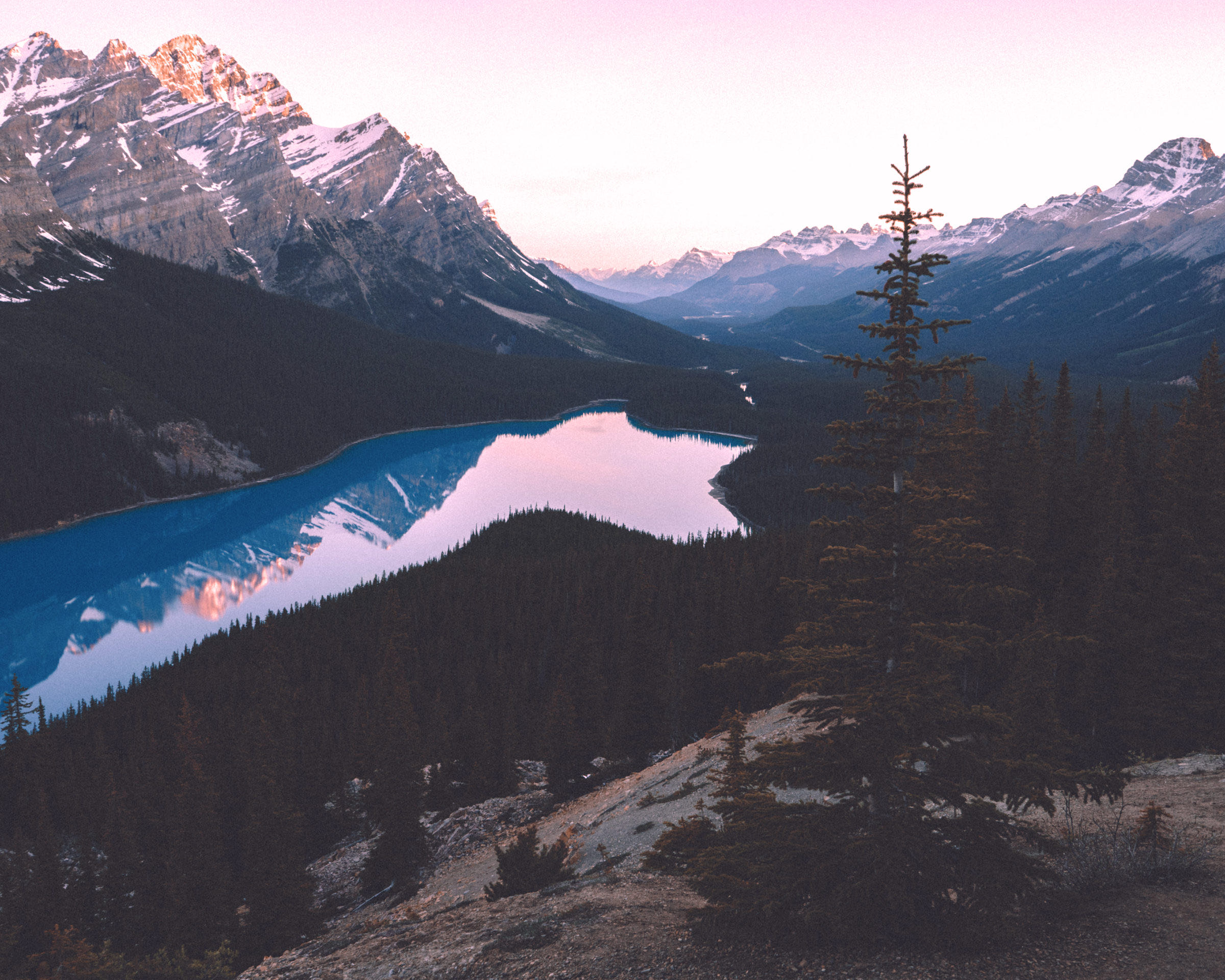
The colourist and your own hands work the same controls. Switch whenever you like: everything it did stays as steps you can switch off.
make it moody, with teal shadows
Say what you want. Watch which slider moves. Learn what it does.
Highlights are the brightest parts of the photo. Bringing them down gives a bright sky its colour back.
From the card to the export: bring photos in, sort them, edit, ask, batch and export, all on your own computer.
The same words work on every kind of picture. Each of these was one request, on the photo as it came out of the camera.
Drop in any picture you love and ask it to match. It reads the colours and rebuilds them on your photo, with your sliders.
Select a shoot and ask once. Bluehour sets the look on one photo, then adjusts it for each of the others' light.
One real batch: eight photos, 31 photons. The numbers are the exposure each photo ended up with.
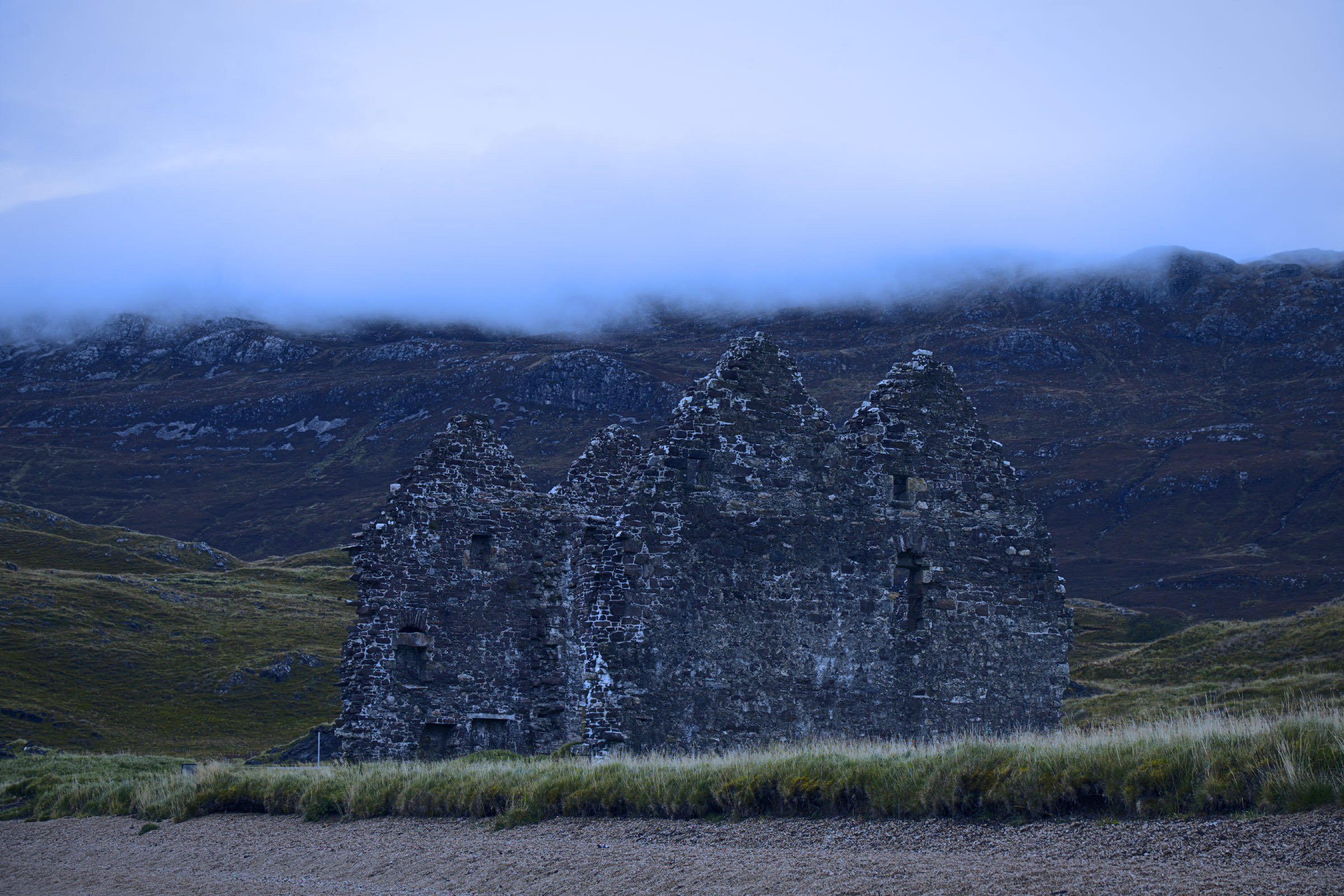
“make it feel like blue hour”, two steps, 10 photons.
The editing engine runs in your browser, on your own machine. The colourist only ever sees a small preview.
The engine runs in your browser, on your own machine. Your originals are never uploaded.
When you ask, the colourist sees one 768-pixel preview of the photo, and doesn't keep it.
Each move, yours or the colourist's, is its own step. Take back any one, in any order.
Moving sliders yourself costs nothing, ever. The colourist is paid in photons, little suns, and only for what it does.
a bit warmer
1 photon a quick ask
the sky is blown out
3 photons a fix
make it feel like 90s film
10 photons a whole look
$0
30 photons a month, 50 more to start
3 looks a month
$10/month
500 photons a month
50 looks, or 160 matched photos
$24/month
1,500 photons a month
150 looks, or 500 matched photos
$69/month
4,000 photons a month
400 looks, or 1,300 matched photos
Each sun in a plan is one whole look; quick asks and fixes cost a fraction of one. Unused photons roll over for a month, and top-ups from $10 never expire.
Open the editor, drop in a picture, and ask for the light you remember.
Open the editor